
Findings & remediation
The Findings tracker is your issue register. It is the single place where examiner matters, internal audit issues, self-identified problems, and board directives are tracked to closure. It is the register examiners open first, because the repeat-finding question is the one they always ask. This article walks a finding from creation to closure.
Where findings come from
A finding records its source, and the source matters to how it is read later:
- Examiner MRIA. This is a matter requiring immediate attention.
- Examiner MRA. This is a matter requiring attention.
- Examiner violation and Examiner observation. These cover the rest of the exam report.
- Internal audit. Your internal audit function issued the finding.
- Self-identified. The first or second line found the problem before anyone else did.
- Board directive. This is a direction recorded in the board or committee challenge record, which creates the finding automatically.
An examiner-sourced finding also carries the supervisory record behind it. That is the basis the examiner communicated, either Unsafe or unsound practice or Violation of law, and the date the communication was issued. A violation of law must name the law cited. Under the OCC and FDIC rule on matters requiring attention that takes effect on November 2, 2026, an MRA or MRIA issued on or after that date must record its basis. The register can filter findings issued before that date or on and after it.
Findings are also promoted into the register from elsewhere in the product. The source can be a failed monitoring test, an absence-testing exception, a HMDA edit cluster, a mock-exam result, an accepted gap, a continuity-exercise result, a model-bias or fair-lending review, or a partner-program indicator that has breached its threshold. Promotion is an explicit human action. Where the platform suggests a severity, as it does on a breached program indicator, the person promoting can override it.
Triage
Open a finding and set the four things that drive everything downstream. They are owner, severity (critical, high, medium, or low), due date, and root cause. When the owner you type matches exactly one member of your team, the finding is linked to that person. That link is what their My work view and an own-records access scope read. A name that is not on your roster is still accepted as text. The list view and the Kanban board both show an aging badge of on track, due soon, or overdue. The badge is computed from the due date, so nothing quietly ages past its date.
Root cause is not optional paperwork, but what closure requires depends on the source. An Examiner observation closes on the independent sign-off and its rationale alone, with no evidence, plan or root cause required. Otherwise, a finding cannot close without remediation evidence. High/Critical and examiner-source findings also need a root cause, and an examiner MRIA, MRA or violation also needs a corrective action plan. Root cause feeds the trends panel, which groups opened and closed volumes, the aging distribution, and repeat findings by root cause. That last chart is the early warning you want before an examiner builds it for you.
Two further blocks on the record matter to a consumer-compliance examination. Consumer harm and restitution records how much redress is owed, to how many consumers, over what lookback period, and where it stands. The status is one of not assessed, assessed, redress in progress, redress paid, or no redress required. A figure you have not recorded shows as a dash instead of a zero, because "not quantified" and "quantified at nothing" are different answers and the second has to be claimed deliberately. This is the evidence an examiner reads when deciding whether a self-identified problem earns credit.
Custom fields your workspace has defined for findings sit on the same record, so the attributes your program tracks do not end up in a spreadsheet next to the tool.
The corrective action plan
Remediation is tracked as a corrective action plan, which is a set of steps with owners and target dates. Completing a step needs evidence attached, or an explicit evidence waiver with a reason. The waiver exists because real remediation sometimes cannot produce an artifact. Even so, it is recorded as a decision and never as a silent gap.
Discussion about the finding stays on the finding, in a comment thread with an @mention typeahead. Threads are append-only like the rest of the record, so there is no edit and no delete. A mention resolves against your live team roster, so you cannot address someone the workspace does not actually have. Risks carry the same thread.
Statuses and the Kanban board
Findings move through Open, In progress, Remediation, Awaiting review, Approved and Closed, with Reopened for anything that comes back. Both a list view and a Kanban board are available, and you can drag a card between most columns. The list and each Kanban column load 50 findings at a time, with Load more for the next page. You can filter the register by text, overdue only, business unit, and the supervisory issue date.
A member whose access is limited to their own records or to chosen business units sees only the findings they own or that belong to those units, and the trends count the same set. A banner on the screen says so. They can read those findings and acknowledge them in Zovos, but cannot edit their details.
Approved is a sign-off, not a status you set. You cannot pick it or drag a card to it. Someone who holds closure approval signs the finding off with a rationale, and Zovos records that person as the approver with today's date, so there is no approver name to type.
Closed is not a drop target. Closure is a governed decision, and you cannot make it by dragging a card. When remediation is complete you submit the finding for independent closure, and it appears in the approvals queue for someone else to sign.
The list view carries the shared register tools described in Dashboard & daily triage. They are saved views, column control, bulk actions, spreadsheet import and the audited import-ready export. You can bulk-assign an owner, bulk-change status, or submit several findings for independent closure under one rationale. Bulk status changes deliberately exclude the closing statuses, because closure needs a sign-off block a bulk form cannot collect.
Closure and segregation of duties
Closing a finding requires an approver, a date, and a rationale, and the platform enforces who that approver can be. The person who signs the closure must not be the finding's owner, its remediation owner, or the person who last changed its status. This is the same maker-checker rule that governs policy approval and risk acceptance, described in Approvals & delegation of authority.
The closure decision, its rationale, and the identity of the signer are written to the append-only audit trail and sealed into the proof ledger. A closed finding can be reopened, which is recorded as a new event instead of an edit to the old one.
Sources, extensions and closure rules
Findings can come from more places: an outside CPA, loan review, the independent BSA/AML test and a credit union's Supervisory Committee audit join the existing sources. An examiner finding carries the issuing agency's own finding type, such as an MRA, MRIA, MRBA or DOR, and examiner-confirmed closure is recorded separately from your internal closure. The board pack shows regulatory and audit findings by source and agency. The edit panel can correct a finding's source and regulator, and a change is logged only when a value actually changed.
Promoting a record to a finding needs read access to the record it comes from. A finding's assignee reads its comments, plan and trends. A finding internal audit raised needs internal audit's validation to close by default, and its management target date and owner are kept from the published report. A closure approval closes a finding only from a status that can close. Closing or declining a finding resolves its pending extension requests, a closed finding refuses a new extension, and reopening a closed finding clears its closure details.
What an examiner sees
Findings are one of the areas an examiner can be granted scoped, time-boxed read access to. In that mode they see the finding, its owner, its dates, its corrective action plan and its evidence. They do not see the finding's discussion thread or any activity marked internal. Nothing in the register can be edited from an examiner session.
Findings in your AI assistant
The findings view
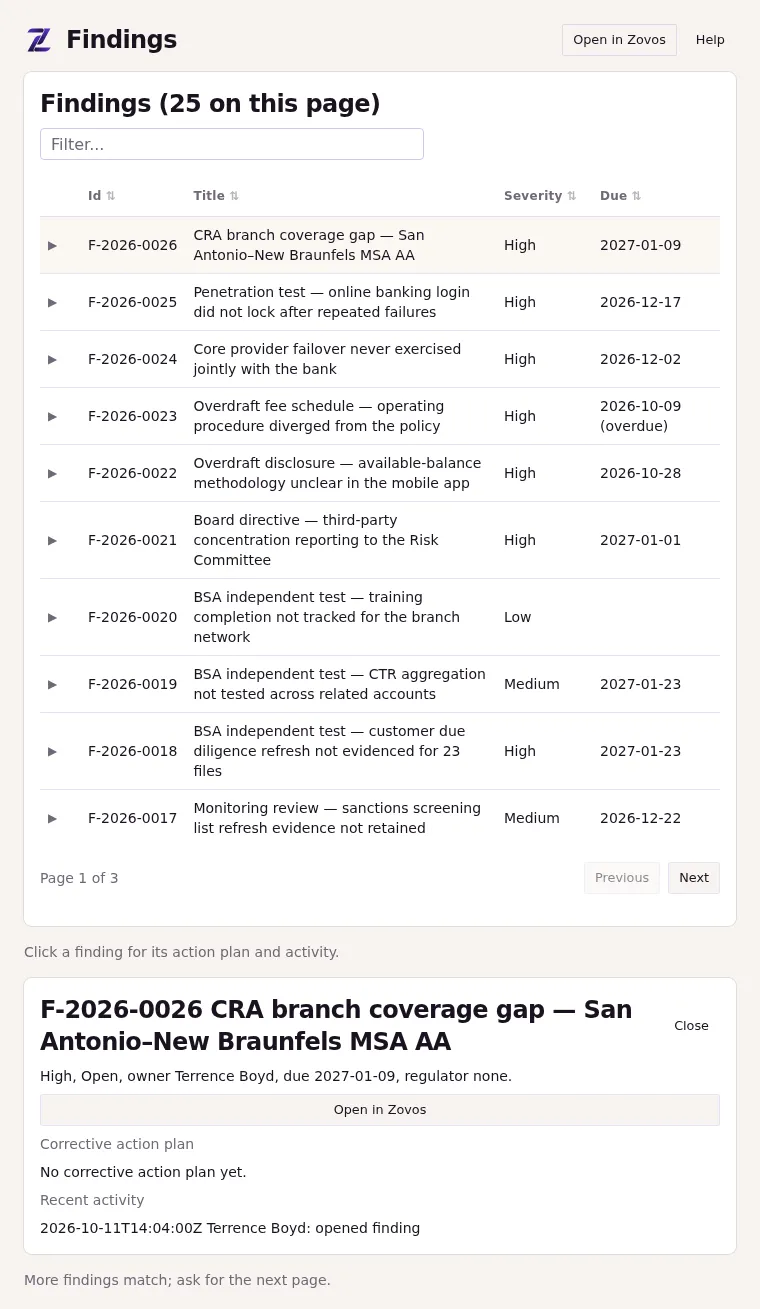
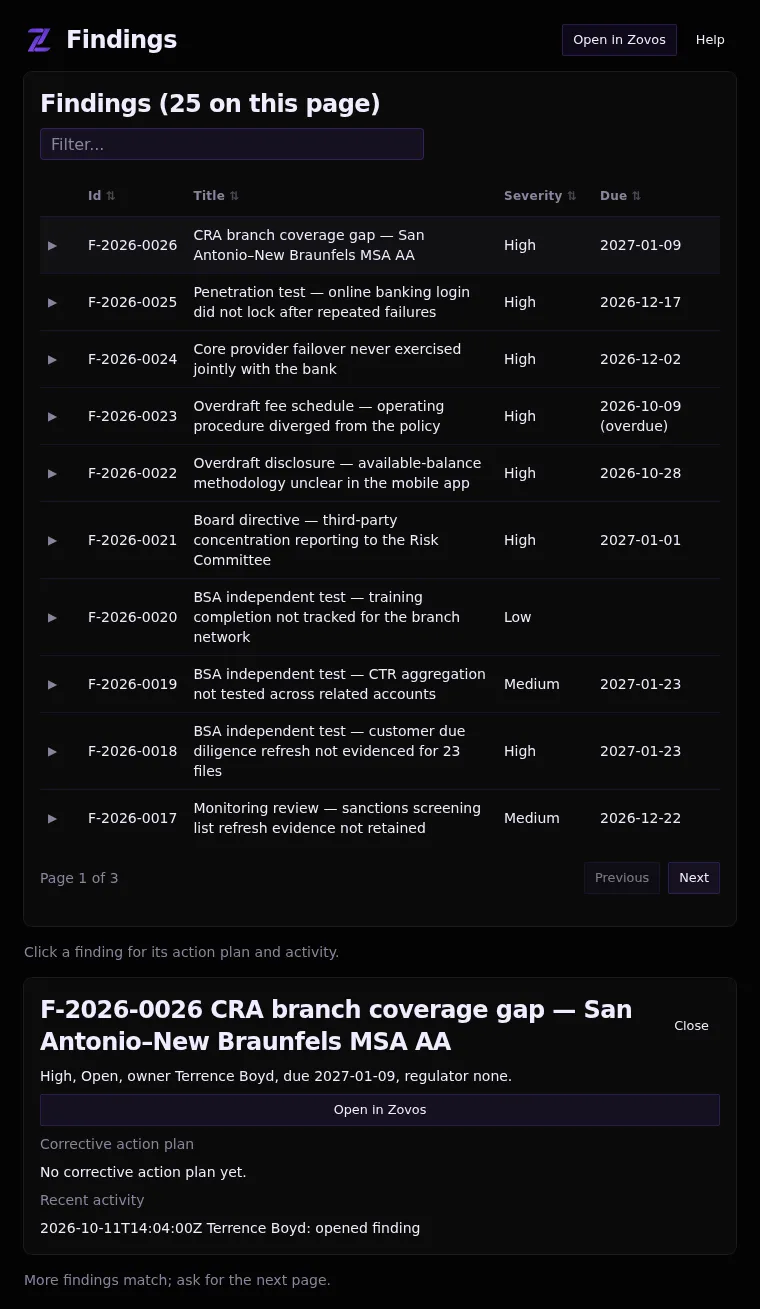
In an AI assistant that shows Zovos screens in the chat, such as Claude, ask about your findings and it opens open_findings. The screen lists the findings that match, a page at a time, with their severity and due date. Click a finding for its corrective action plan, with its progress and milestones, and its recent activity. Open in Zovos takes you to the finding in the web app. Internal notes on a finding are never shown in an assistant.
Acknowledging a finding
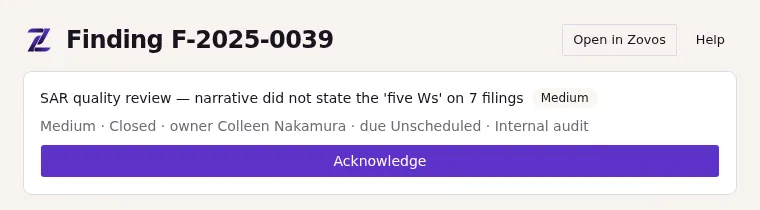
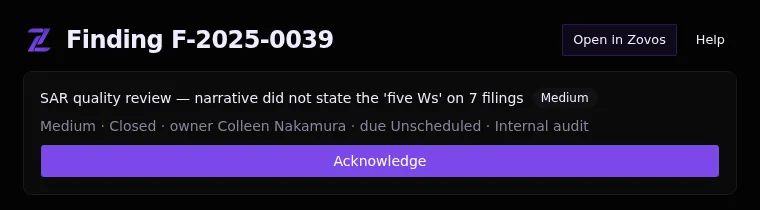
When a finding is addressed to you, ask to acknowledge it and the assistant opens open_finding_acknowledgement with the finding's facts and an Acknowledge button. Your acknowledgement is recorded once, and acknowledging again only tells you it is already done.
Commenting on a finding
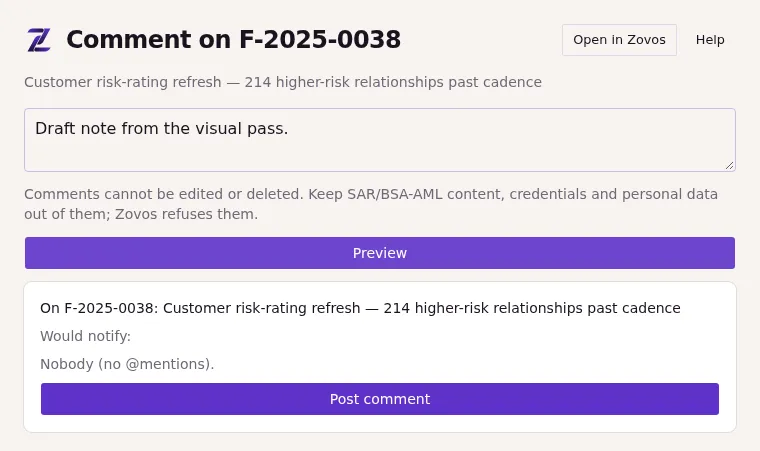
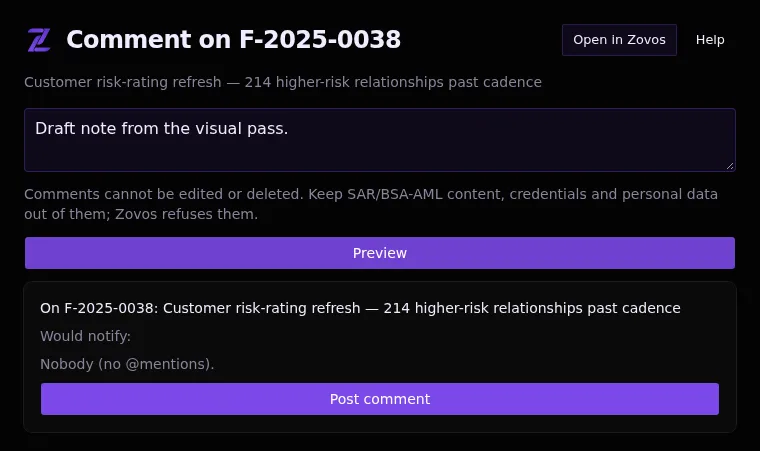
Ask to comment on a finding and the assistant opens open_record_comment with a composer for it. Preview shows who your comment would notify, and Post comment posts it. A comment cannot be edited or deleted, and Zovos refuses text with SAR or BSA content, credentials or personal data. The same screen comments on a risk.
Notes and limits
Findings are an oversight register, not a project management tool. There is no resource planning, no dependency graph, and no time tracking. If your remediation needs those, run the work in your own ticketing system and let the finding hold the governance record. Zovos does not sync with it, so record the outcome and its evidence on the finding.
Severity is set by a person. The product does not derive it. The one place severity is computed for you is in risk exceptions, where it comes from the linked risk's residual band so a requester cannot claim a softer rating.